
Imagine watching a video on YouTube and needing to reply to a message or open another app. Until recently, that meant closing the video.
Now, that is finally changing.
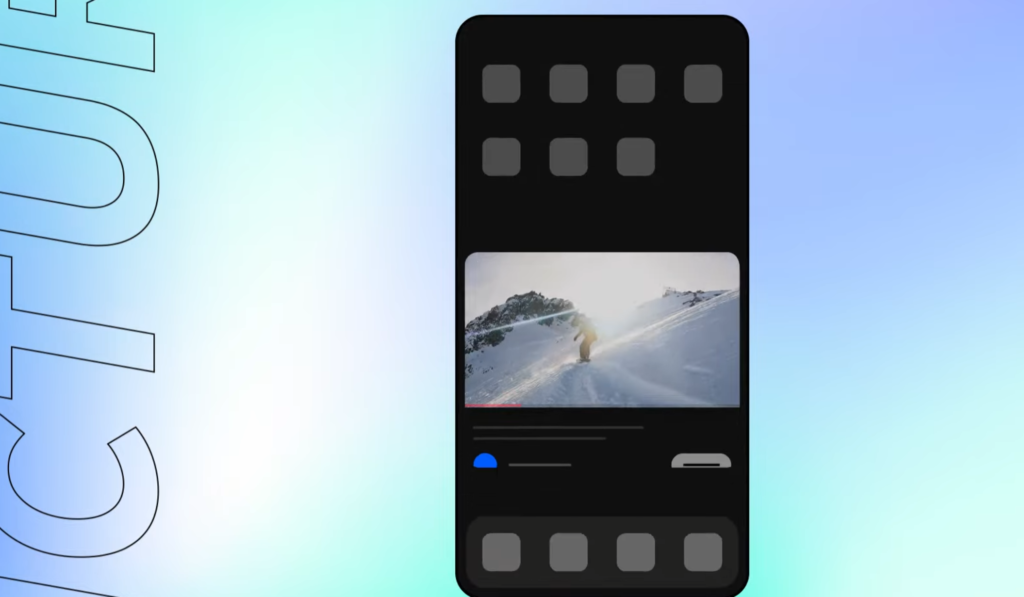
The company announced this week that the Picture-in-Picture option will be available globally to all users in the coming months. In other words, users will soon be able to keep a small floating version of the video playing while doing other tasks.
Which users will be affected?
Regular users (non-premium): For users in the United States, there will be no changes in the experience, but users outside the U.S. will gain access to the feature. However, it only applies to long-form content and non-music videos.
Premium Lite subscribers: They will continue to use the feature normally for long-form, non-music content.
Premium subscribers: This is the most benefited group, offering a full experience. For these users, nothing changes. Both long-form content and music will continue to support Picture-in-Picture as usual.
How do you use it?
There are two ways to activate the feature:
1 – Dragging or shrinking the video window (usually using two fingers).
2 – Or simply pressing the Home button on your phone.
After that, users can open other apps and perform different tasks while the video continues playing in a smaller floating window.
What if it doesn’t work?
YouTube recommends updating the app.
And on desktop? How do you enable Picture-in-Picture?
On desktop, this feature has been available for quite some time. To use it, simply right-click on the video, select “Picture in Picture,” resize the window, and drag it wherever you want. This allows users to continue multitasking while keeping the video in a small floating window.